Make Your Own
Dobble / Spot it Cards
Upload your favorite images, customize the design, and create a unique matching card game that's perfect for gifts, parties, or family fun. Make your own Spot It game free — no app needed.
Don't Want to Upload?
Pick & Print!
Ready-made photo decks created by our community. No uploads needed — just pick a template and start playing.
Polish Version
Party Pack
Animals
Want something unique? Upload your own photos.
How It Works
Creating your custom set is easy. Just follow these three simple steps.
Upload Images
Select your favorite photos, icons, or illustrations. We support multiple formats and batch uploads.
Customize & Edit
Remove backgrounds with one click using AI, adjust sizes and rotations. Make each card unique.
Generate & Print
Download print-ready PDF or SVG files. Choose your paper size and start playing immediately!
Simple Pricing
Start free with 13 cards. Upgrade for larger sets — all features included.
Quick Start
Toddlers (3+)
13 cards
4 symbols per card
- PDF & SVG export
- Card editor
Medium
Kids (5+)
31 cards
6 symbols per card
- PDF & SVG export
- Card editor
Full Set
Teens & Adults
57 cards
8 symbols per card
- PDF & SVG export
- Card editor
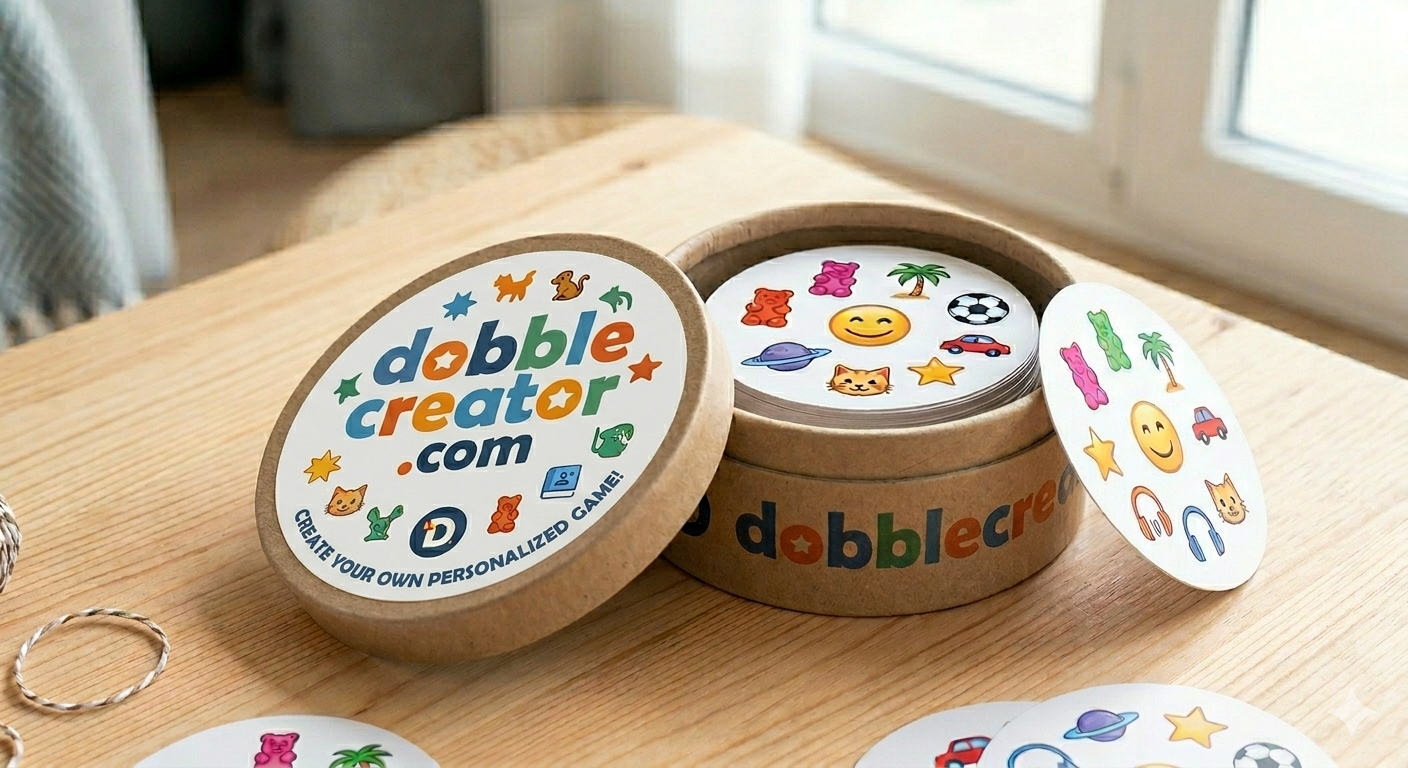
The Best Free Spot It Card Maker Online
Looking for a Spot It card generator? DobbleCreator is the easiest way to make your own custom Spot It game online — completely free. Whether you call it Spot It (in North America) or Dobble (in Europe), our free Spot It card maker lets you upload your own photos and generate a print-ready card game in minutes. No app download, no account required to start.
Our Spot It card generator handles all the math automatically — every card shares exactly one matching symbol with every other card. Choose from 13, 31, or 57 cards. Upload photos of family, pets, logos, or any images you love. Remove backgrounds with free AI. Download your PDF instantly and print at home, or order a professionally printed and packaged box.
Perfect for custom Spot It birthday party games, classroom learning tools, wedding favors, or corporate team-building activities. Our Spot It maker online works on any device — start free today, no signup required.
Frequently Asked Questions
Everything you need to know about making custom Dobble / Spot It cards.
DobbleCreator is a free online tool to create custom Dobble and Spot It card games using your own photos. Upload images, remove backgrounds with AI for free, and download a print-ready PDF in minutes. The Quick Start plan (13 cards) is completely free — no credit card required.
Dobble (sold in Europe) and Spot It (sold in North America) are the same game with different regional names. Same rules: find the one matching symbol between any two cards. DobbleCreator works for both — upload your images and the math handles the rest.
Sign in and create a project. Choose your deck size (13 cards free, or 31/57 cards paid). Upload photos — family pictures, cartoon characters, or party themes. Remove backgrounds with AI if needed. Download the PDF, print on cardstock, and cut into circles. Ready in 10–15 minutes. See our full birthday party guide →
Every Dobble deck uses a finite projective plane — a structure guaranteeing exactly one matching symbol between any two cards. For p+1 symbols per card (p prime), you get p²+p+1 cards total. A 57-card deck uses p=7: 8 symbols per card. DobbleCreator handles all the math automatically.
Teachers use Dobble to teach vocabulary, letter recognition, and number practice. Top themes: alphabet letters, numbers 1–57, animal names, country flags, science symbols, and multiplication tables. Upload 13–57 images from any subject — the game format naturally trains fast visual recognition. Works from age 4 up. See our classroom guide →
Yes. DobbleCreator exports a PDF optimized for A4 or Letter paper. Print on 200–300gsm cardstock for best results. Use a circle cutter or scissors for clean edges. Laminating adds durability. A full 57-card set prints across 6–8 A4 pages.
Yes — the Quick Start plan (13 cards, 4 symbols each) is completely free with no credit card required. Larger decks (31 cards / Medium, 55 or 57 cards / Standard and Full Set) are available as one-time purchases. All plans include the card editor, AI background removal, and instant PDF download.
Absolutely. DobbleCreator is popular for weddings, baby showers, corporate team-building, and birthday parties. Upload any photos — couple portraits, company logos, or event themes — remove backgrounds with AI, and download a print-ready PDF in minutes. Many users print and laminate cards the same day. See our wedding & events guide →
Yes. DobbleCreator runs entirely in the browser — no app download needed. It's been tested on iOS Safari (iPhone and iPad) and Android Chrome. For the smoothest experience when uploading many images, a desktop or laptop is recommended, but generating and downloading PDFs works well on mobile too.
Yes — that's the core feature. Upload any photos (JPG, PNG, WebP), use the free AI tool to remove backgrounds, then click Export PDF. The Dobble / Spot It math runs automatically, so every card shares exactly one symbol with every other card. Works with family photos, pet pictures, cartoon characters, and more.
Sign in to DobbleCreator, choose the Quick Start plan (13 cards — completely free), and upload your images. Our tool is a free Spot It card generator that works entirely in your browser — no app download or credit card needed. Remove backgrounds with AI, then download a print-ready PDF. The same tool works whether you call it Spot It or Dobble — the game mechanics are identical.
After creating your card design in DobbleCreator, you can order a professionally printed Spot It set delivered in a premium box. Generate your PDF in the editor, then fill out our physical delivery form. We handle high-quality printing on durable cardstock and ship directly to you — great for gifts, events, or classroom sets that need to last.